

Storage unit inventory: know what is in the unit before you drive there
A storage unit inventory records which bins and boxes are in the unit and what is inside each one. In loggit you create the unit as a location, add shelves and bins as spots, log items into them, and tag containers with QR codes so a scan tells you the contents without unstacking anything.
Map the unit like a small warehouse
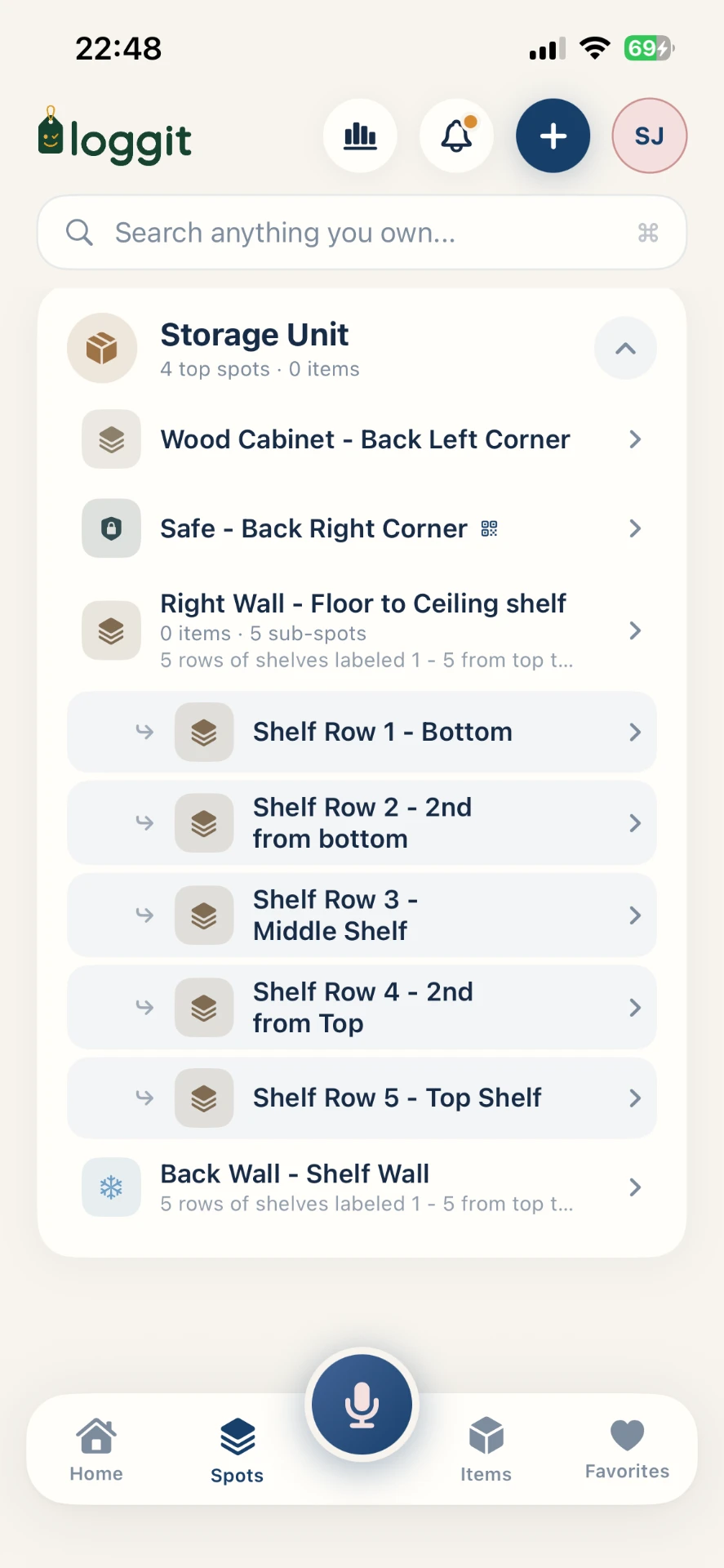
Treat the unit as a location and give it internal structure. Even a five-by-ten benefits from named zones: left wall, right rack, back stack. Bins live in zones, items live in bins.
Sketching this before loading is worth ten minutes. Once the unit is packed, re-mapping means unstacking.
- Create the unit as a location, including facility name and unit number.
- Add spots for each rack, shelf, or wall zone.
- Create a record per bin or box, placed in its spot.
- Log the contents of each container as you load it.
Load with retrieval in mind
Put anything seasonal or likely to come back out near the door, and long-term archive material at the back. Leave a center aisle if the unit is deep enough — the space you lose is repaid the first time you need something from the rear.
Record where a bin physically sits, not just that it is "in the unit". "Right rack, shelf 2" is the difference between a two-minute trip and an hour.
Tag every container
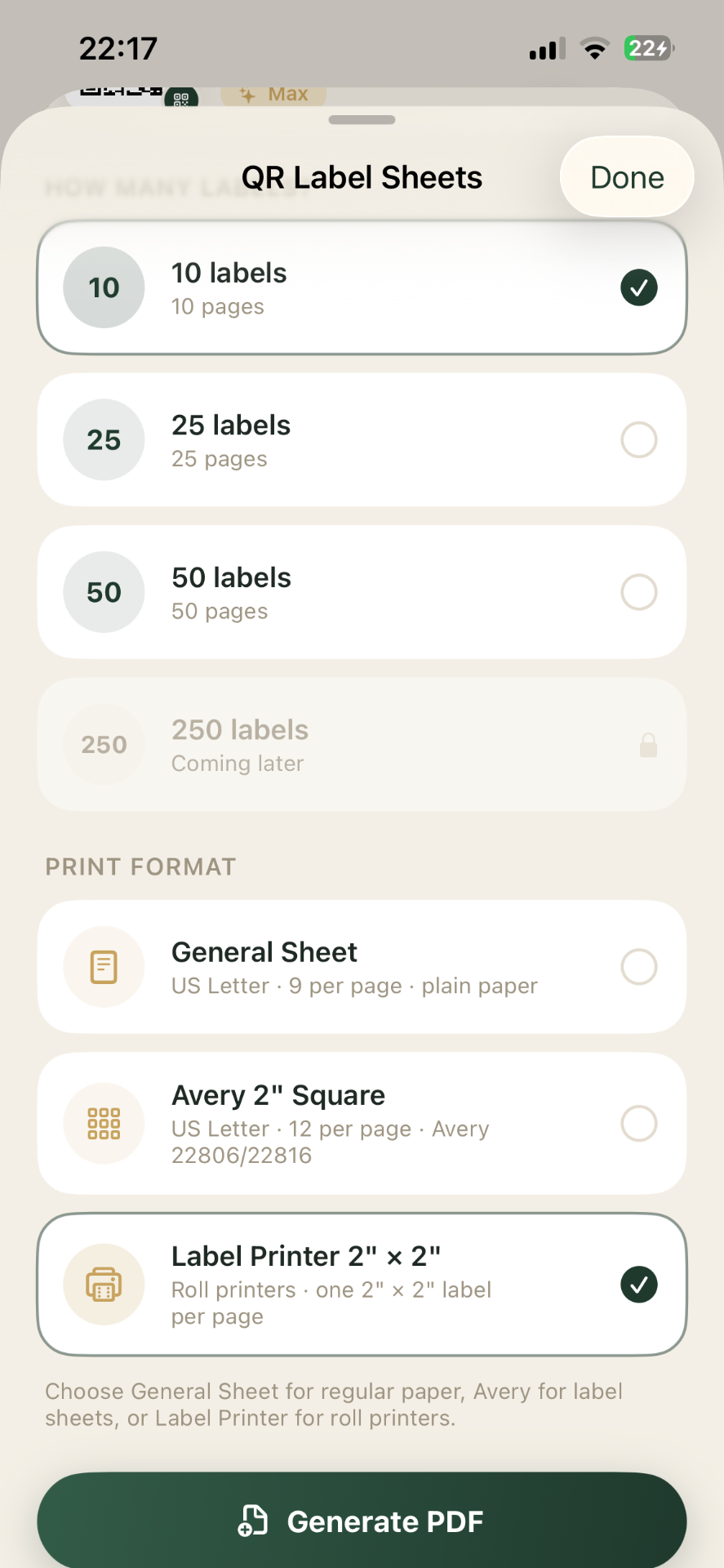
Attach a loggit QR label to each bin and box, facing the aisle. Scanning tells you what is inside without lifting or opening it, which matters most in a unit where everything is stacked.
Track what the unit is actually costing you
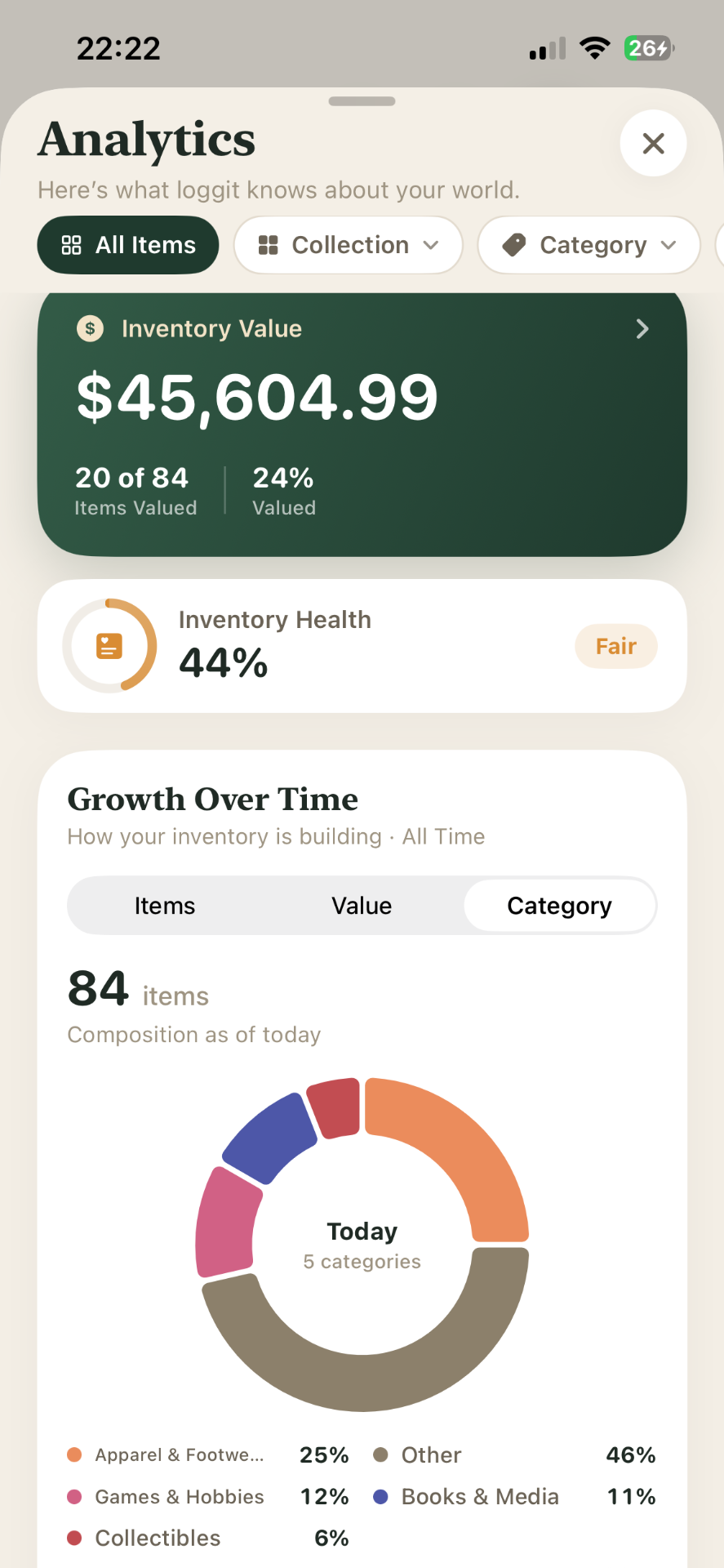
Log the estimated value of what is stored and compare it against the annual rent. Units quietly outlive their purpose, and seeing a running total of contents next to a yearly cost makes the keep-or-clear decision concrete.
These totals reflect the values you enter yourself; they are estimates for your own planning, not appraisals.
Update on every visit
The habit that keeps a unit inventory honest is small: whenever you remove or add something, update the record before you close the door. A thirty-second edit at the unit prevents a wasted drive later.
Frequently asked questions
Keep reading
loggit is an organization tool, not a certified appraisal, insurance, legal, or financial service. Values you record are your own estimates. For coverage decisions, claims, settlements, or tax matters, work with a licensed professional. Questions about your data? Read the loggit privacy policy or contact loggit support.