
QR code inventory labels: how to tag bins, shelves, and rooms
A QR inventory label is a printed code attached to a box, bin, shelf, or item that opens its loggit record when scanned with your iPhone. Instead of opening containers to find something, you scan the outside and see the contents, photos, values, and notes recorded inside the app.
Tag containers before you tag individual items
The biggest time savings come from tagging things you cannot see into. A sealed moving box, an opaque storage bin, a toolbox drawer, or a shelf in a storage unit are all better label candidates than a television.
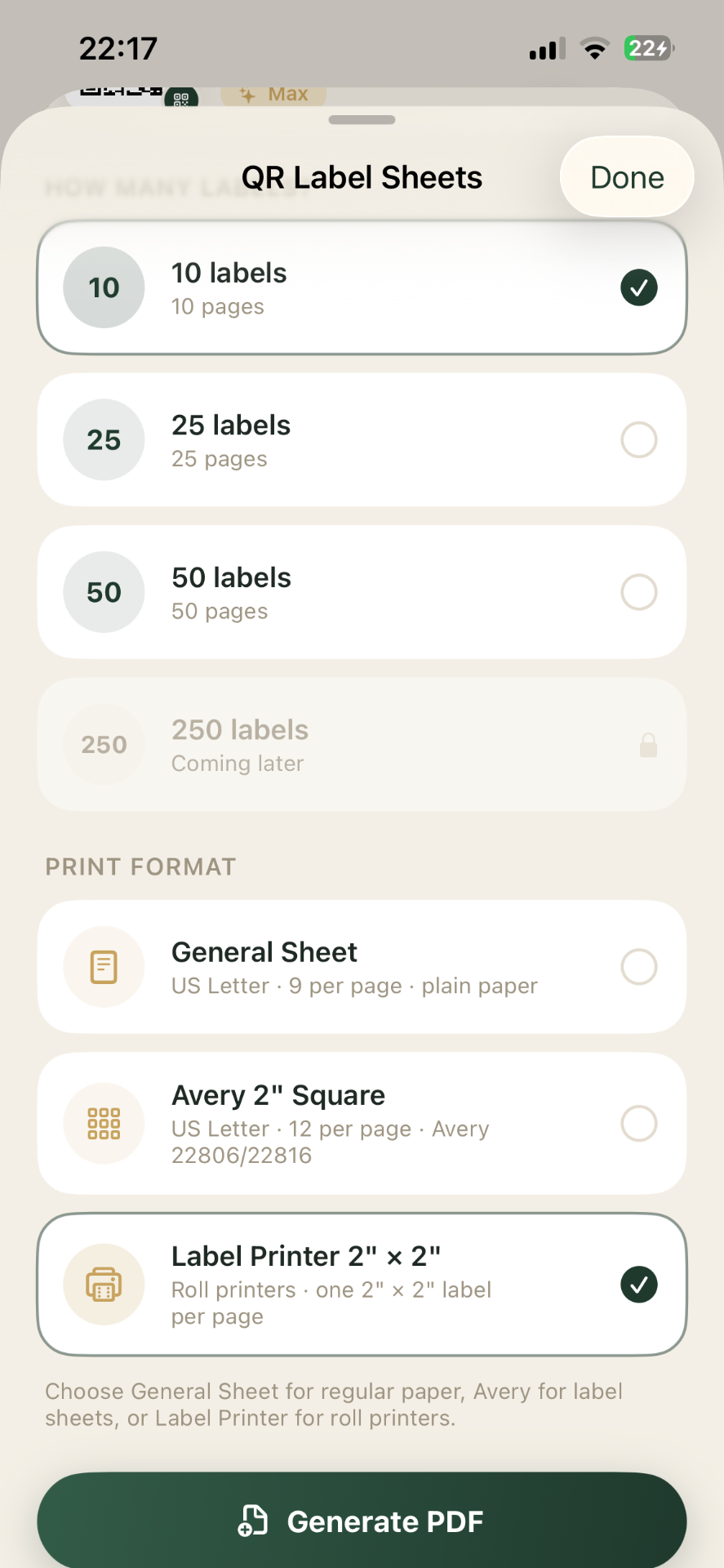
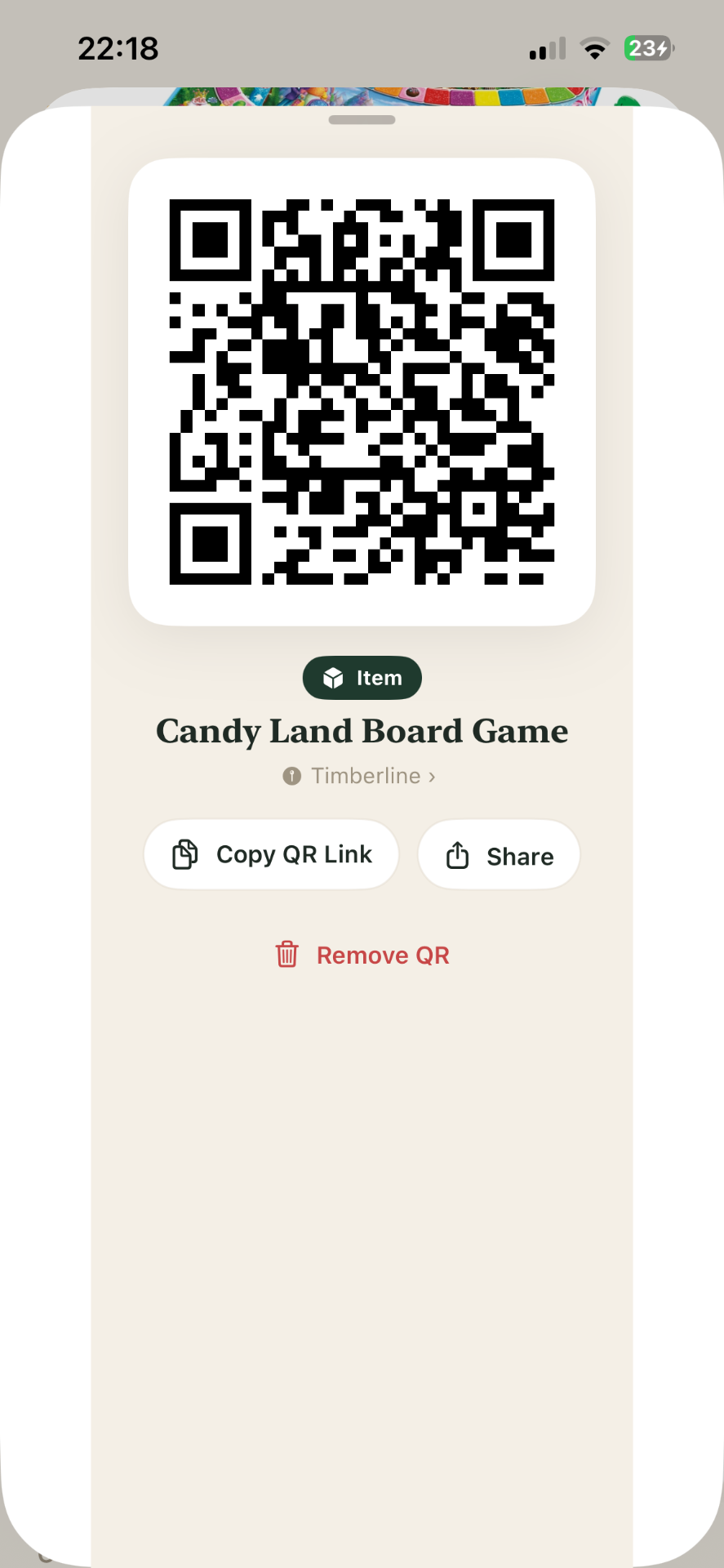
In loggit, generate a QR code for a spot or an item, print it, and stick it on. Scanning it with your phone camera opens that exact record.
- Moving boxes and long-term storage bins.
- Shelves and racks in a garage, basement, or unit.
- Seasonal totes — holiday decorations, camping gear, winter clothing.
- Cases and kits where the contents change: tools, cables, craft supplies.
Put the label where you will actually scan it
Label placement decides whether the system gets used. Put the code on the short end of a box that faces the aisle, not the top, so a stacked box is still scannable. On bins, place it below the lid seam so removing the lid does not tear it.
Two labels on opposite faces is cheap insurance for anything going into a storage unit where orientation is unpredictable.
Scan to open, not to guess
A scan resolves to a record, and the record carries the photos, item list, value, and notes you recorded. That turns "which of these eight identical bins has the cables" into a two-second answer.
Because records are searchable too, you can work in either direction: scan a box to see contents, or search an item to see which box it is in.
Label habits worth keeping
Print on plain paper and cover with clear packing tape for boxes that live indoors; use adhesive label stock for anything exposed to heat, cold, or dust. Re-tag rather than re-use — a stale label pointing at the wrong record is worse than no label.
- Add a short human-readable name next to the code, so it works without a phone.
- Keep one code per container; do not share a code across two bins.
- Update the record when you pull something out, not later.
How many QR codes you get
QR code allowances differ by plan: the free plan includes a small number for trying the workflow, Premium raises the limit substantially, and Max is unlimited. Current numbers are on the pricing section of the homepage.
Frequently asked questions
Keep reading
loggit is an organization tool, not a certified appraisal, insurance, legal, or financial service. Values you record are your own estimates. For coverage decisions, claims, settlements, or tax matters, work with a licensed professional. Questions about your data? Read the loggit privacy policy or contact loggit support.